Transform any photo in seconds with our handpicked Snapseed QR code collection. No manual settings. No technical skills required. Just scan, apply, and share stunning edits — completely free.
What Is a Snapseed QR Code?
A Snapseed QR code is a shareable preset built inside Google’s popular photo editing app, Snapseed. Each QR code stores a full set of editing instructions — brightness, contrast, color grading, filters, and more — in a single scannable image.
Instead of manually adjusting every slider on every photo, you simply scan a Snapseed QR code and every setting is applied to your image instantly. It’s the fastest, easiest way to achieve professional-quality photo edits right from your phone.
At Snapseed.in, we’ve curated hundreds of the best Snapseed QR codes across every style and category — so you can spend less time editing and more time creating.
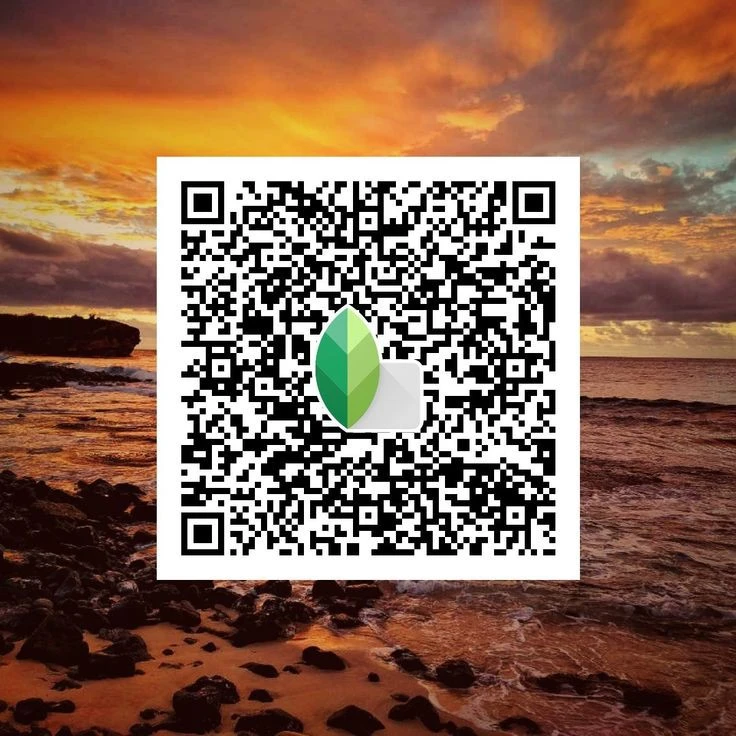
How to Use a Snapseed QR Code — 3 Simple Steps
Step 1 — Open Snapseed Launch the Snapseed app on your Android or iOS device and open the photo you want to edit.
Step 2 — Scan the QR Code Tap the menu icon, select “QR Look”, then tap “Scan QR Look.” Point your camera at any Snapseed QR code from our collection.
Step 3 — Apply & Save Watch the edit apply to your photo instantly. Adjust to taste, then export your image. Done!
Pro Tip: You can also create your own Snapseed QR code by editing a photo, tapping the menu, and selecting “Create QR Look.” Share it with anyone!
Explore Our Snapseed QR Code Collections
We’ve organized hundreds of free Snapseed QR code presets so you can find your perfect look instantly.
🌅 Portrait Snapseed QR Codes
Smooth skin tones, balance highlights, and add depth to faces. Perfect for selfies, influencer content, and professional headshots.
🌿 Vintage & Film Snapseed QR Codes
Bring the warmth of analog film to your digital photos. Faded tones, rich grain, and retro color palettes — one scan away.
🏔️ Landscape Snapseed QR Codes
Make skies pop, enhance natural greens, and bring dramatic contrast to outdoor photos. From golden hour to moody blues.
✨ Aesthetic & Dark Snapseed QR Codes
Deep shadows, muted tones, and cinematic vibes for a bold, editorial look that stands out on any feed.
🌸 Bright & Airy Snapseed QR Codes
Light, soft, and dreamy. These Snapseed QR code presets are ideal for lifestyle, food, and travel photography.
🖤 Black & White Snapseed QR Codes
Classic monochromes with perfected contrast and grain — timeless edits in a single scan.
Why Snapseed.in Is Your Best Source for Snapseed QR Codes
✅ 100% Free Every Snapseed QR code on our site is completely free to download and use — no sign-up, no paywall.
✅ Curated & Tested Every preset is hand-tested on real photos to make sure it delivers a beautiful, consistent result.
✅ Beginner Friendly You don’t need any editing experience. If you can point a camera, you can use a Snapseed QR code.
✅ Works on Android & iOS All our Snapseed QR code presets are compatible with both Android and iPhone versions of the Snapseed app.
✅ New Presets Added Regularly Our collection grows every week. Bookmark Snapseed.in and always have fresh styles to try.
Frequently Asked Questions About Snapseed QR Code
What is a Snapseed QR code used for? A Snapseed QR code stores photo editing settings that can be instantly applied to any photo inside the Snapseed app. It replaces hours of manual editing with a single scan.
Are Snapseed QR codes free? Yes. All Snapseed QR codes on Snapseed.in are completely free to scan, download, and use on your photos.
Will a Snapseed QR code work on my phone? Yes. Snapseed is available for both Android and iOS, and our QR codes work on all supported devices and versions.
Can I create my own Snapseed QR code? Absolutely. After editing your photo in Snapseed, go to the menu, tap “QR Look,” and select “Create QR Look.” Your custom preset will be saved as a shareable QR code image.
Why isn’t my Snapseed QR code scanning? Make sure the QR code image is clear and not pixelated, your screen brightness is high, and you’re in good lighting. Also ensure your Snapseed app is updated to the latest version.
Can I share a Snapseed QR code with others? Yes! Save the QR code as an image and send it via WhatsApp, Instagram, email, or any platform you prefer. Anyone with Snapseed can scan and use it instantly.
Ready to Transform Your Photos?
Start editing like a pro today. Browse our full library of Snapseed QR code presets — portrait, landscape, vintage, dark, bright, and everything in between.